Playbooks
Building AI Agents with n8n: A Practical Guide
By Nodirjon Tadjiev · Published: · Last updated: · 15 min read
Nodirjon Tadjiev — Co-founder & Software Developer, IO Projects. Builds the AI automations and integrations IO Projects delivers to clients.
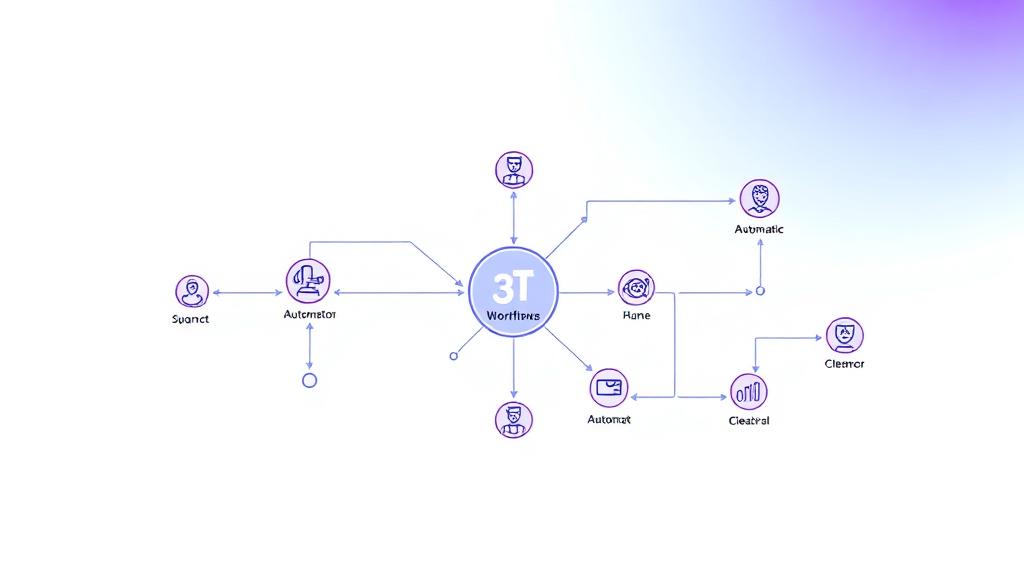
Why n8n for AI Agents?
n8n has emerged as one of the most flexible platforms for building AI-powered automation. Its visual interface makes complex workflows accessible, while its extensibility supports advanced use cases that would require custom development on other platforms.
But here's what most tutorials won't tell you: the tool matters less than the thinking behind it. A well-designed automation built on n8n will outperform a poorly designed one built on any platform.
The Problem We're Solving
Most businesses have the same fundamental problems:
- Data lives in silos—CRM here, spreadsheets there, email in between
- Tasks fall through the cracks because no one has visibility across systems
- Team members spend hours on work that should take minutes
- Context is lost between handoffs, leading to duplicated effort
We see these patterns in almost every business we work with. The symptoms are different, but the root cause is the same: disconnected systems and manual processes.
Core Components of an AI Agent
Every effective AI agent needs four things:
1. Input Processing
The agent needs to understand incoming data—whether that's an email, a form submission, a webhook, or a database change. This is where most amateur automations fail: they handle the happy path but break on edge cases.
- Validation (is this data complete and correctly formatted?)
- Normalization (converting different formats to a standard structure)
- Enrichment (adding context from other sources)
2. Decision Logic
- Classify intent (what does this person actually want?)
- Assess priority (how urgent is this?)
- Determine routing (who should handle this?)
- Generate responses (what should we say?)
3. Action Execution
- Update records in your CRM
- Send emails or messages
- Create tasks and reminders
- Trigger other workflows
4. Feedback Loops
- Did the customer respond positively or negatively?
- Was the classification correct?
- Did the action achieve the desired result?
This architecture is exactly how we build automation systems for clients—comprehensive, resilient, and continuously improving.
Real Example: Customer Support Agent
Let's walk through a real-world example that demonstrates these principles.
The Problem:
A growing SaaS company receives 200+ support emails per day. Their team of 3 support reps is overwhelmed. Response times have stretched to 48 hours, and customer satisfaction is tanking.
Sound familiar? Customer emails are sitting in inboxes instead of being handled automatically.
The Solution Architecture:
- Email arrives → Webhook triggers n8n workflow
- AI Classification → GPT-4 analyzes content, determines:
- Routing Logic:
- Action:
- Measurement:
The Results:
- 60% of emails auto-resolved without human intervention
- Average response time dropped from 48 hours to 15 minutes
- Human team now handles complex cases with full context
- Customer satisfaction scores increased 40%
The Technical Implementation in n8n
Trigger Node: Email trigger or webhook from email provider
- HTTP Request to AI API (OpenAI, Claude, etc.)
- Switch node for routing based on classification
- Multiple branches for different handling paths
- Gmail/Email node for responses
- CRM node for record updates
- Jira/Linear node for ticket creation
- Slack node for team notifications
- Catch nodes at every critical point
- Fallback to human review if anything fails
- Logging for debugging and improvement
Common Mistakes to Avoid
1. Over-Engineering from Day One
Start simple. Get something working, prove value, then add sophistication. The perfect system that's never deployed beats nothing—and nothing is exactly what most companies have.
2. Ignoring Edge Cases
What happens when the AI is uncertain? When the data is malformed? When the external API is down? Build in fallbacks.
3. Forgetting the Human Element
Automate the routine, but always provide an escalation path. The goal isn't to remove humans—it's to make them more effective.
4. No Measurement
If you can't measure it, you can't improve it. Track everything: throughput, accuracy, resolution rates, customer satisfaction.
This is the type of workflow we automate for clients regularly. The technology is straightforward—the value is in the design.
Best Practices for Production Systems
- Start with clear success metrics - What does "working" mean? Define it before you build.
- Build in human oversight for edge cases - The AI should know when it doesn't know.
- Test thoroughly before production deployment - Use real data in a sandbox environment.
- Monitor and iterate based on performance - Your first version won't be your last.
- Document everything - Future you (or your team) will thank you.
Getting Started Today
n8n is free to self-host and has a generous cloud tier. But the tool is just the beginning. The real work is:
- Understanding your current process - Map it out, warts and all
- Identifying automation opportunities - Where does manual work add no value?
- Designing the target state - What should this look like when it's working?
- Building incrementally - Start small, prove value, expand
If this looks familiar—if you're dealing with manual processes that should be automated—it can be automated. We've done it for dozens of companies.
Tagged: n8n, AI Agents, Tutorial